

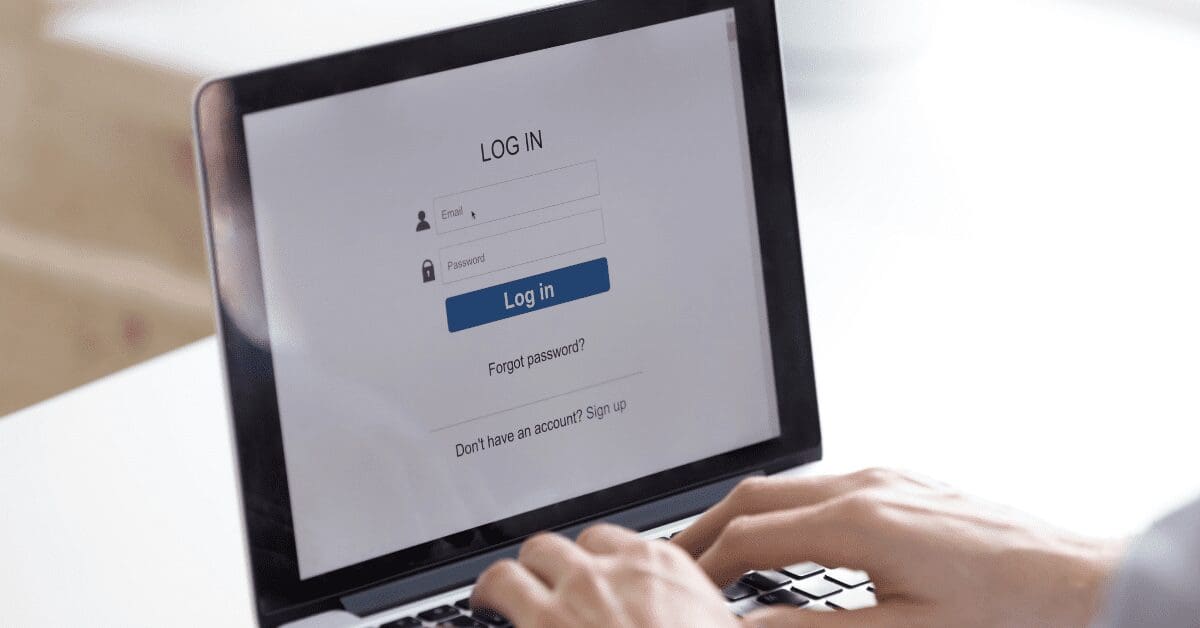
As technology continues to be integrated more frequently into customer interactions with brands, the expectation of it to be present in the landscape industry is also on the rise. If you are striving to convey that your business is on the cutting edge, one simple addition that can help modernize your customer service is a client portal.
Robyn Schmitz, owner/CEO of High Prairie Landscape Group, LLC, based in Edwardsville, Kansas, says the key to offering a client portal is understanding that some customers will love it and others will prefer to receive an email.
“The portal is a useful tool for communication, scheduling, and managing all financials,” she says. “However, it should complement an automated system that also gives clients the option to use email or text for those same communications. Our system does both.”
The Benefits of a Client Portal
One of the best perks of a client portal is the increased transparency. Often, customers switch landscape maintenance providers due to a lack of communication. A client portal allows them to easily see live service updates with timestamps and photo documentation of site visits. This helps build trust between your crews and your clients.
It also gives your customers more control as they can easily log in to view proposals, invoices and contracts in one place. Adding webforms or scheduling options allows them to quickly book additional work or service requests without having to call or email your office.
You can create a tailored experience for your customers with a client portal, which also increases customer satisfaction. If the portal is well-designed, it can convey the level of professionalism of your brand.
Additionally, customers are accustomed to being able to pay online, so you should provide them with this convenient option as well. This can help improve your overall cash flow as clients find it easier to save their cards on file or opt in for automatic bill pay.
Client portals can also help reduce some of the administrative burden for your team, as all the information can be found in one place.
Features to Consider
As you review the different software options for a client portal, there are a number of various features that may or may not be offered. Consider your overall goal for your client portal to determine which are the most critical features to include.
For instance, if you only want your portal to serve as a bill payment system, the most essential feature will be secure payment and the ability to support different payment methods such as Apple Pay and Google Pay.
If you are a design/build company, the ability to provide updates may be more important to you so look for options that allow you to share high-res images so clients can review them at their leisure.
Whichever platform you choose should also be customizable so you can align with your company’s branding for a cohesive feel. Also, make sure the portal can integrate with the other software you utilize, such as DocuSign, Google Calendar, Zapier, and more.
One of the most important elements is ensuring your client portal is mobile-friendly so clients have a seamless experience on any device. Failing to do so will lower the chances that your portal will be utilized to its full extent.
Once you’ve selected a platform, some of the elements to incorporate into your portal include:
- Account overview
- Real-time job updates
- Proposal and estimate approvals
- Invoices and payment options
- Messaging and support
- Scheduling tools
- Resource library with tips and FAQs
Ensuring Adoption
If you want your investment in a client portal to pay off, you have to make sure the interface is user-friendly instead of overwhelming. If the portal is too complicated to navigate, it’s less likely that customers will log in at all.
Provide a brief onboarding email or video for your clients so they can learn how to use the portal and where they can find different information.
It’s also best to pilot the portal with a few trusted customers first and gather their feedback before rolling out to your entire book of business. Designate someone on your team to be the point person for your portal so they can manage any necessary updates or customers in need of assistance.
Include an access point on your website so clients can easily navigate to the portal from there.
When you do launch your client portal, message to your customers that this is an investment in your long-term relationship with them. They will appreciate your efforts to provide additional clarity and improve their overall experience.