

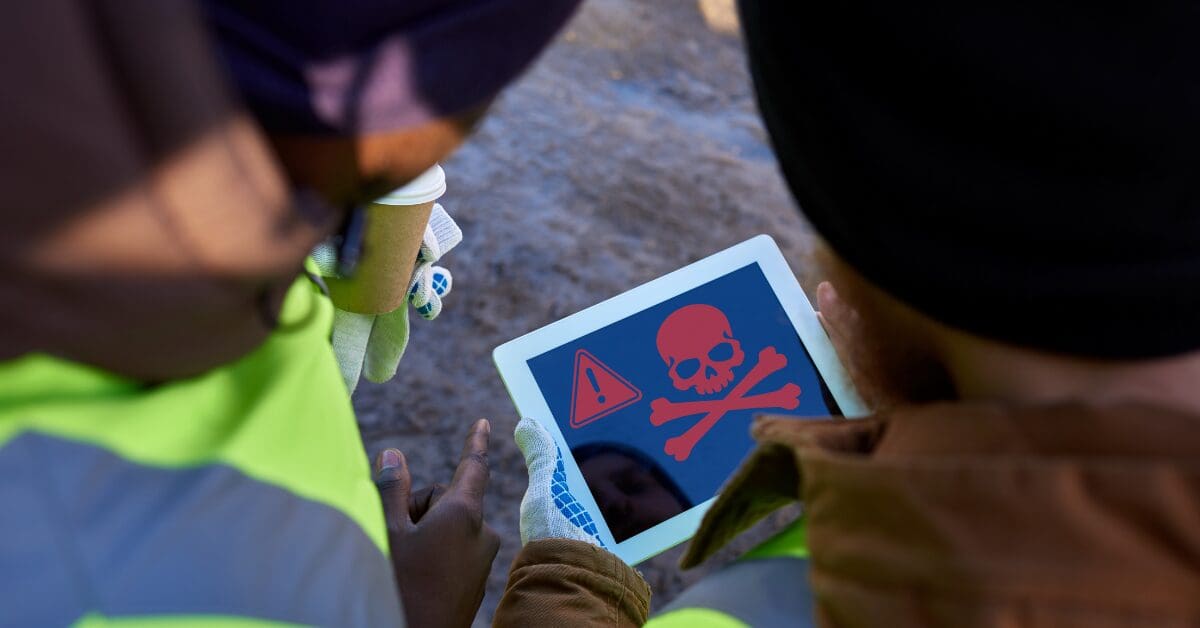
As technology becomes more commonplace in the landscape industry, chances are your field workers utilize smartphones or tablets to do some of their work or at the very least clock in and out of jobs. Yet, how much consideration have you given to the cybersecurity of your team’s mobile devices?
While your field staff may not be a prime target like your finance team, their mobile devices can still serve as an entry point for hackers. Even one compromised device or login can allow cybercriminals to penetrate deeper into your business.
BYOD vs. Company Devices: What’s the Right Call?
The size of your business will play a factor in whether it makes sense to invest in company devices or allow employees to use their personal devices to access company apps. No matter which option you choose, these devices need to be properly secured before employees can access company data.
“Be it an enterprise-owned or BYOD device, it’s paramount that those devices are secured to protect the operating system, applications, and network communications when business information is being stored and or accessed,” says Greg Pepper, security architect and office of the CTO at Check Point Software, a cybersecurity solutions company that helps protect corporate enterprises and governments. “Most individuals are used to adding security to their laptop or desktop; however, too many users do not secure their iOS or Android phones and tablets.”
Pepper adds that there are multiple endpoint security tools that can help protect end users from accidental compromise and infection by internet threats.
“The app stores contain numerous solutions to help protect computing devices,” Pepper says. “Best when an organization, be it large or small, selects the one which best suits their needs and then implements said solutions consistently across their enterprise-owned assets or even as a BYOD offering.”
For company devices, have an acceptable use policy in place so employees know what personal use on business systems is allowed.
Patrick Curtin, director of technical sales at Field Effect, a cybersecurity company for businesses, advocates for having dedicated work phones.

“Personal phones and business use don’t really mix very well, especially when there’s sensitive data,” Curtin says. “You need monitoring to secure things, and then you get into this dicey area of privacy.”
If you do opt to allow business use on personal phones, you can conduct cloud monitoring as a form of cybersecurity. Curtin recommends explaining to employees what the cybersecurity risks are and requiring them to access these tools via their cloud account. For team members worried about their privacy, you should explain that monitoring is not about individual behavior.
“There’s not that luxury of having a human watching other humans,” Curtin says. “It’s algorithms looking for suspicious or malicious activity, creating flags, of ‘Oh, there’s something going on here.’”
Shared Devices and Shared Logins
Trying to control costs by sharing tablets or software logins is another practice that should be avoided.
“You can save money doing these things, but that may open you up to much bigger costs down the road,” Curtin says.
Pepper explains that separate logins help audit activity across different individuals, while a breach by one user can impact all the users of that shared device or account.
“It’s critical that the security solutions in place can protect all users on the shared devices and can also help to audit usage by one individual versus another,” Pepper says. “This is especially important when implementing Secure Remote Access, be it VPN, SASE or ZTNA solutions to help provide connectivity to apps in the cloud or data centers.”
Curtin says traceability is important because you can’t ascertain who did what if something goes wrong.
“Shared passwords are a definite no-no,” Curtin says.
He recommends employees also not reuse passwords for multiple accounts.
“If someone figures out my password and they get into everything, they get into my email, and they see all the things I’m working with, and then they go and try every other account too,” Curtin says.
Outsourcing Cybersecurity
Just like how you have the option to outsource your marketing or accounting, you can also outsource your cybersecurity instead of feeling you have to figure it all out on your own.
“When you outsource something like your IT and your IT security, it allows you to focus on your core business,” Curtin says. “How do I run my landscaping business in the most efficient manner possible so I can scale? The key there is finding a trusted partner.”
Curtin recommends talking to your peers to see which trusted cybersecurity vendors they work with. He says for companies on the smaller side, they should seek out a managed service provider who can meet their needs.
Some of the questions you can ask when vetting a cybersecurity provider include:
- What is your privacy policy?
- How are you protecting the data that I’m entrusting to you?
- What certifications or audits have you completed?
“If they’re evasive, that’s a red flag,” Curtin says. “It’s worth asking and understanding. It’s about awareness and education, and if you’re asking those questions, they know you’re on the ball, too.”
Cybersecurity can’t be an afterthought for your operations. All it takes is one compromised device to lead to devastating consequences. When you put clear policies in place and work with trusted partners, you can ensure your data is better protected.